
Paper time cards on a job site
Crews fill in their hours on Friday from memory. Somebody's foreman collects the cards, or photographs them, and sends them in. Somebody in the office types them up. Every step in that chain costs money, and none of it tells you whether the crew was on site at 7 a.m.
A clock that works where the signal doesn't
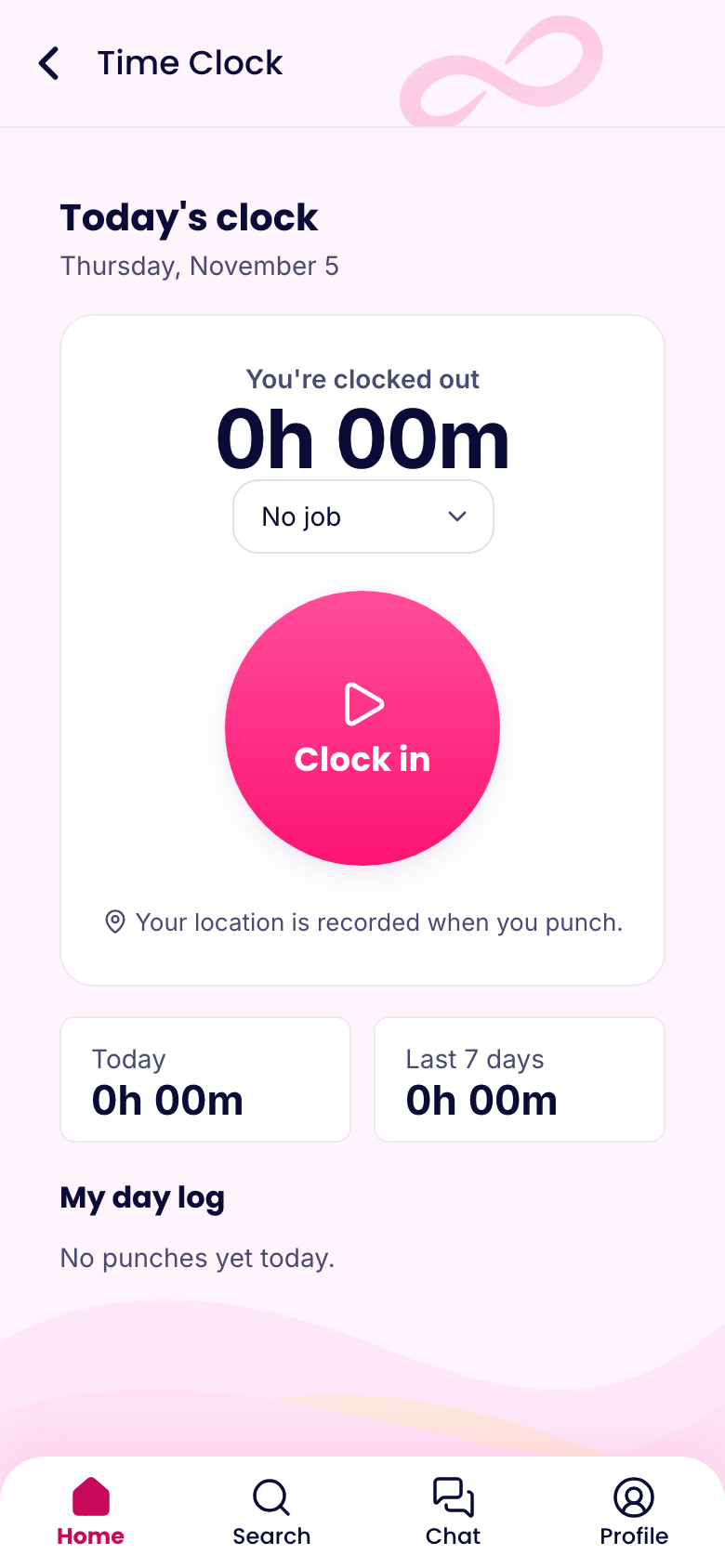
Job sites often have poor signal. In PinkLinq, a clock-in made with no connection is saved on the phone with its real time and sent as soon as there's signal again. It's flagged, so you can see it arrived late.
Add each job site as a location with a circle on the map. Require people to be inside it to clock in, or only record where they were, if crews often move around. Rules can differ per person: your estimator can clock in from anywhere, and your crew only on site.
Your plan sets how many sites can be active at once, 3 on Basic and 10 on Advanced. Expert has no limit. When a job finishes, you can edit its location for the next one.
Assign crews without the morning phone calls
Build the week with each person's site and job. Your crew sees where they're going on their phones, along with any notes. If plans change at 6 a.m. because of rain, change the shift and they'll get a notification. Save a crew's usual week as a template when a project runs for months.
Daily logs and safety
Your forms can match how you already work:
- Daily job log. Weather, crew on site, work done, deliveries, delays, photos. Filled in by the foreman, on a phone, on the day.
- Equipment inspection. Walk-around checks with a signature.
- Incident and near-miss reports. With photos, while people remember the details.
- Toolbox talks. A short course or update with a required confirmation, so you've got a dated record of who received it.
OSHA has its own recordkeeping rules for injuries and for some kinds of training, and these forms don't replace them. They do give you an organized, dated record to work from.
Certifications that don't lapse
Add licenses and certificates as documents with expiry dates, and see at a glance how many days are left on each one. It's better to find out that a certificate's expiring next month than to find out when an inspector asks for it.
Plans and tasks across jobs
Use boards to track a project's punch list, with an owner and a due date for each item. Everyone sees what's assigned to them. A timeline view shows each task as a bar, and you can drag it if the schedule slips.
Hours your payroll person can trust
Timesheets show each person's punches, with any edits logged along with who made them and why. Approve the week, lock the period and download the file for your payroll provider. Each job can be recorded on the punch, so you can see where the hours went.
What we don't do
We aren't construction management software. There's no estimating, no change orders and no job costing with materials. If you need those, keep your existing system and use PinkLinq for the people side: who's where, when they got there and what they signed.
We also don't have an Android release yet, and many crews carry Android phones. Those phones can use the web app in a browser, including GPS clock-in and offline saving where the browser allows. Test it on your crew's actual phones before you commit. Automatic clock-in on arrival only works with the iPhone app.
What it costs
For a crew of 25 on schedules, the clock, timesheets and forms, it's $14.50 a month billed yearly on Basic. For 45 people on Advanced with up to 10 sites, it's $43.25. Up to 10 people at one site is free.