
Retail runs on coverage
You don't need the same number of people at 10 a.m. Tuesday as you do at 2 p.m. Saturday, but paying for too many is as bad as having too few. Then there are the part-timers with changing availability, and a holiday season that doubles your staff for six weeks.
A schedule that matches the floor
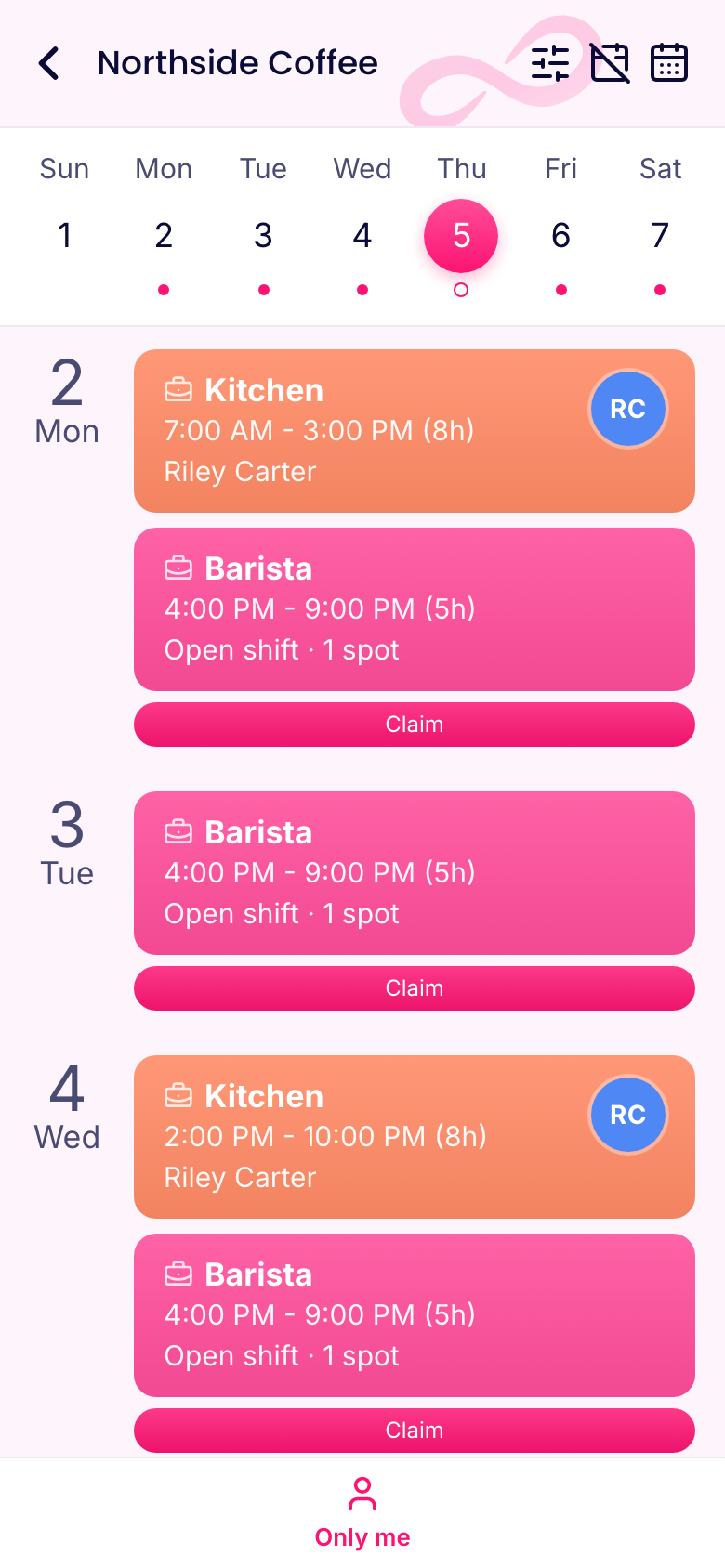
The week grid shows hours, cost and sales for each day. Set a labor goal, and each day tells you how many hours its sales can carry, so you can plan for the rush and trim the quiet times.
Staff set their own availability in the app, and auto assign works around it. Save your normal week as a template. Build a holiday template once, and you'll be glad you did next year.
Open shifts save you a lot of phone calls. Post the Saturday afternoon gap, and whoever wants the extra hours can claim it. Auto assign can fill the rest, using availability and hours.
Seasonal hires, ready fast
You might bring on a dozen people in November, and you can't personally walk each one through the register. So don't.
- Import them. Upload a spreadsheet, and they're all added in one go.
- Onboard them automatically. Each new person gets a pack on first sign-in: read the policy on returns, sign the handbook, take a quiz on the register.
- Train on the phone. Short videos showing how you handle a return or a difficult customer.
- Let them go cleanly. Archive them in January. They lose access right away, you keep their records, and you don't pay for archived people.
Every store doing it the same way
If you've got more than one location, consistency is half the job.
Checklists. Everyone opens and closes the same way, with photos where it matters. You can look at any store's checklist from anywhere. Here's a template.
Updates. Announce the new promotion or a change in the return policy to all stores or just one, and see who's seen it. Mark it important when people have to confirm.
Knowledge base. Put your procedures, your product info and "what do I do if the register crashes" in one place, searchable from a phone. People stop calling you about it.
Boards. Track a store refit or a seasonal changeover, with an owner and date for each step.
Stopping time theft without being a jerk
Draw a circle around each store and require people to be inside it when they clock in. Or use a kiosk by the stockroom. You can set the rule per person, so a district manager who visits every store isn't stuck. More on buddy punching.
If your stockroom has no signal, a clock-in made there is saved on the phone with the right time, then sent when the connection comes back.
Keeping good people
Retail turnover is expensive, and small things count. Use recognition badges to thank someone in front of the team. Try a monthly pulse survey with anonymous answers. Open a suggestion box, because people on the floor know what's broken. You can also reward great work with tokens they trade for perks you choose, like an extra break or a gift card.
What it costs
Basic covers up to 3 locations, and Advanced covers up to 10. A shop with up to 10 people at 1 location can use it all for free. A two-store team of 25 pays $29.00 a month for schedules, the clock and chat, billed yearly. Add HR & Skills when you're ready for training and onboarding.