
When your workplace changes every day
A cleaning business is hard to manage from an office. Your people are in six different buildings, often after hours, and you can't see any of them. When a client says nobody showed up last Thursday, you need a better answer than "they told me they did."
A clock-in that proves they were there
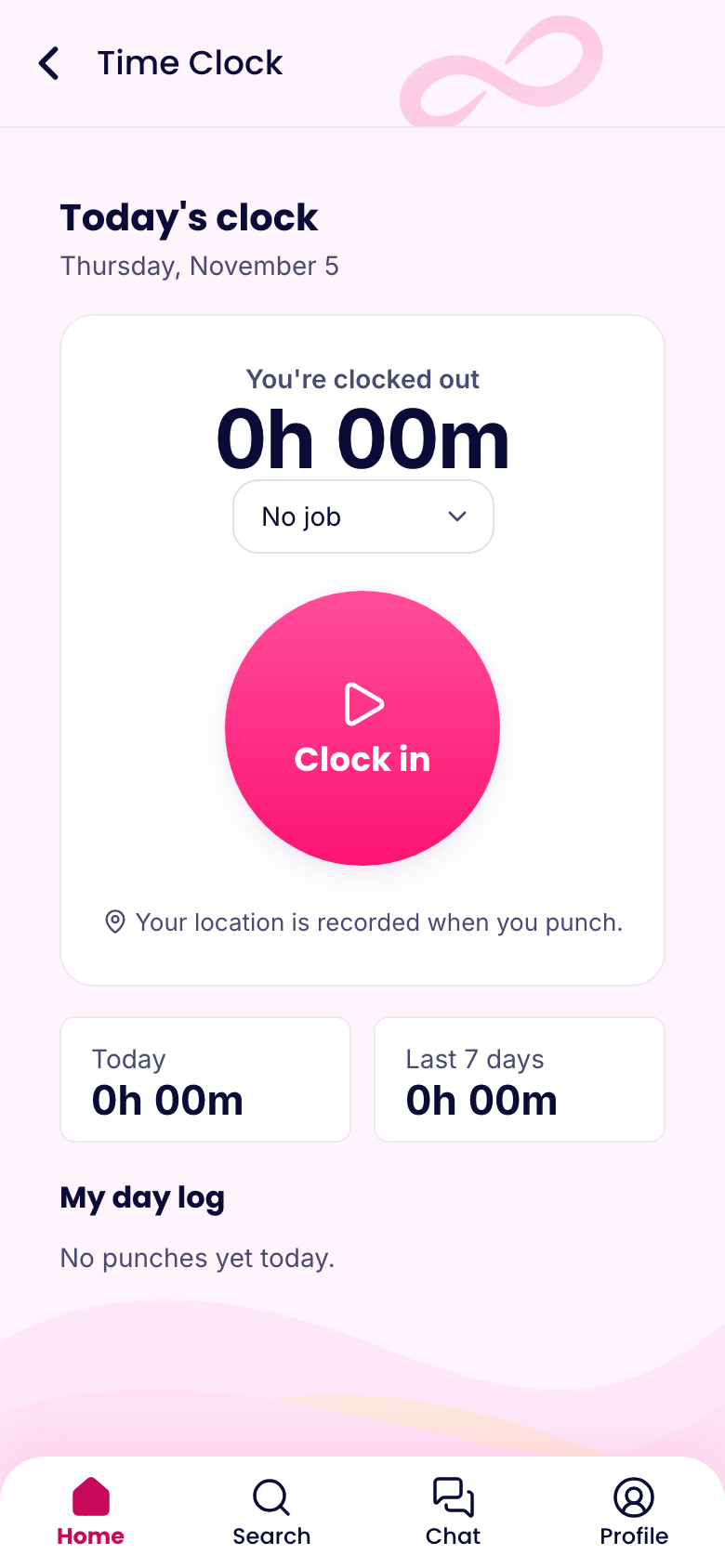
Add each client site as a location, with its address and a circle on the map. Set location to Required and cleaners have to be inside the circle to clock in. Or use Record, which lets them clock in anywhere and saves where they were. That works better if a site's GPS is unreliable or people often start off-site.
The result is a dated record of who arrived where and when. When a client asks, you can look it up in a minute. If a building's basement has no signal, the punch is saved on the phone with the right time and sent later.
Your plan decides how many locations you can add: 3 on Basic, 10 on Advanced, and no limit on Expert. If you clean dozens of sites, Expert is what you'd want, or you can group nearby sites into one location with a larger circle.
Scheduling jobs, not just shifts
Each shift can have a job and a location, so the crew knows where they're going before they leave the house. They see the week on their phones. There's no need to send a group text with addresses every night.
When a regular client's Tuesday clean is the same every week, save it in a template and copy it forward. If someone's out sick, post the job as an open shift and let someone nearby claim it. You'll approve it with a tap.
Proof of the work
This is where you can stand out from other cleaning companies. Build a checklist for each kind of job:
- Rooms or areas, one line each
- A photo of anything the client cares about
- A note on anything damaged or running low
- A signature, if the client wants to sign off
The cleaner fills it in on a phone before leaving. If a client complains about a dirty conference room, you can pull up the photo from that night. Over time, those records help you keep the account. You can even send them along as a monthly summary.
Safety and supplies
Cleaning chemicals and floors can hurt people. Put a short safety course in the app, with a quiz. Track anything that expires, such as a driver's license or a bonding certificate, as a document with a date on it.
Alarm codes and site notes shouldn't sit in a general chat. Keep them in a knowledge base article limited to the people on that site, and change codes when someone leaves.
Use a form for incident reports, so a slip or a broken vase gets written down the same day.
Pay across many sites
Travel time between sites during a workday is generally paid time under federal rules, and it's easy to miss if each site's time is tracked on its own. Review how your timesheets handle gaps between jobs. Our guide to paid hours explains the basics.
Timesheets total regular hours and overtime for the week, and you can send them to payroll in a ready file for Gusto, ADP, QuickBooks, Paychex or Square.
A team you rarely see
Your staff might go weeks without seeing you. A short weekly update helps, and so does a thank-you with a recognition badge when a client compliments someone. Chat gives crews a way to ask a question from the site, without giving out everyone's personal number.
What it costs
Up to 10 people at 1 location is free. A company with 25 cleaners using schedules, the clock and checklists pays $14.50 a month on Basic for Operations, billed yearly, with up to 3 locations. For more sites, Advanced is $24.50.