
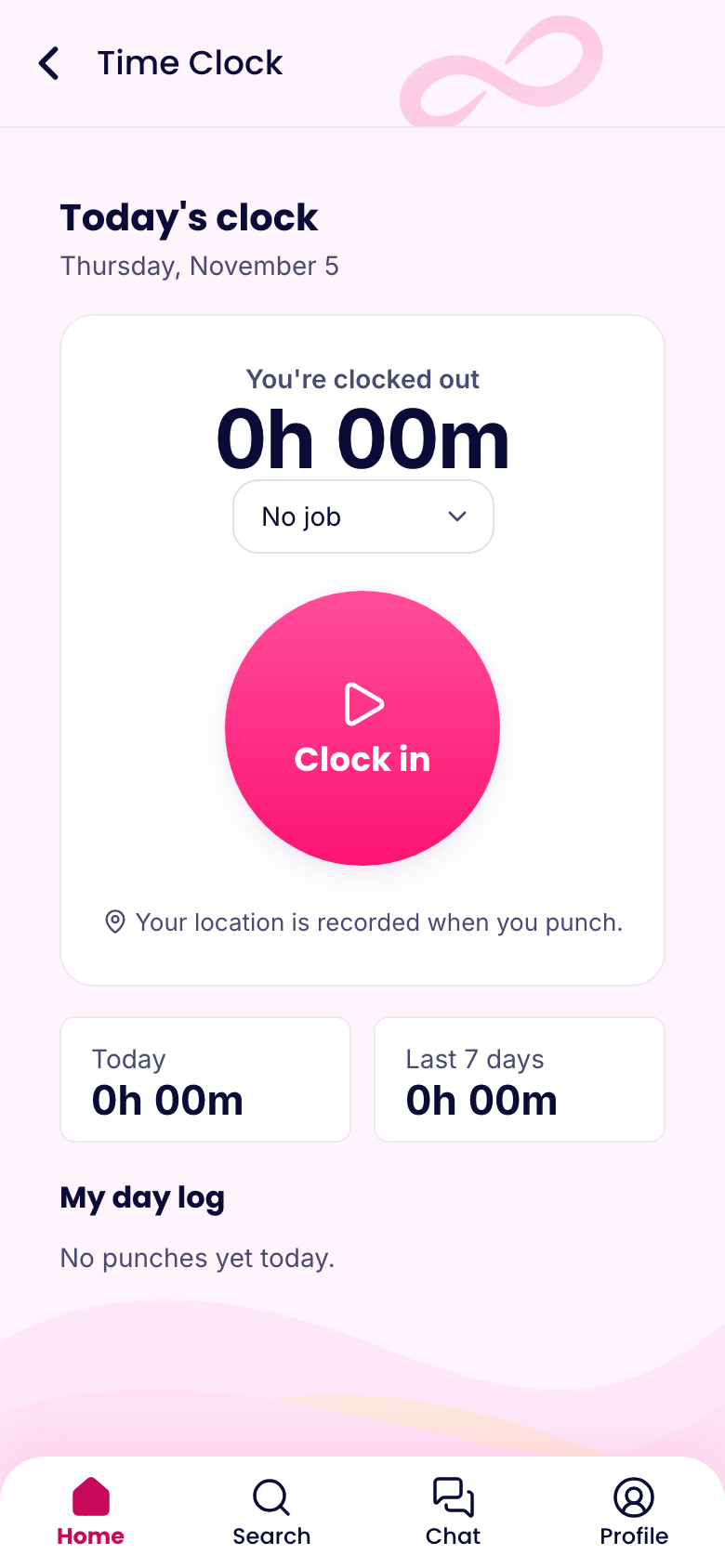
How people clock in
Open the app, tap Time clock, tap Clock in. Pick a job if you've asked them to. Breaks have their own buttons, and clock out is one tap at the end of the shift.
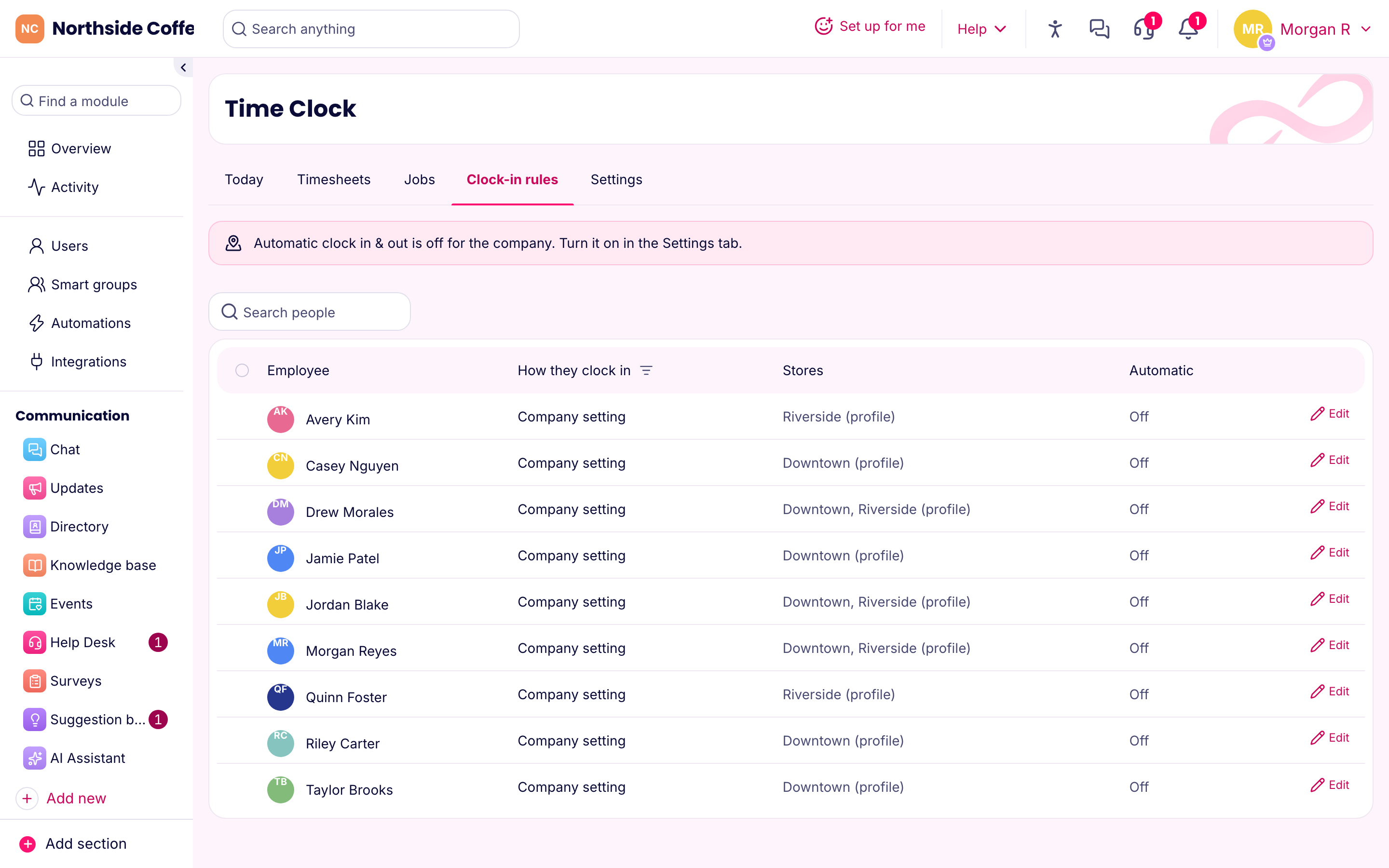
Some teams don't have phones on the floor. For those, turn a tablet into a kiosk, where people type a PIN. Some teams would rather nobody had to remember at all. For those, automatic clock-in does it when they arrive.
Location rules that match how you work
Place each store on a map and set its radius. That's the circle people need to be in. Then choose how strict you want to be:
- Off. No location is checked.
- Record. People can clock in anywhere, and the location is saved so you can look at it later.
- Required. They must be inside the circle.
Rules can differ per person. Your delivery driver can clock in anywhere, your floor staff only at their own store, and your weekend temp only on the kiosk.
Location is checked when someone clocks in or out, and that's it. The app isn't following anyone around during the day.
No signal? No problem
Basements, stockrooms and job sites lose signal all the time. A punch made offline is saved on the phone with its real time and sent as soon as the connection comes back. It gets flagged so a manager can see it arrived late. Punches set too far ahead or sent too long afterward get refused, so nobody can quietly rewrite last week.
Reminders that save you the follow-up text
- "You're late" if someone hasn't clocked in for their shift
- "Forgot to clock out?" if they're still on the clock after it ends
- A daily limit that clocks people out if they never did it themselves, so one forgotten tap doesn't turn into a 20-hour shift
From punches to payroll
Every punch lands on a timesheet. You set break types and rounding, review the week, and fix mistakes with a reason. Each change is logged, showing who changed what and why. When you've approved the hours, send them to payroll as a file.
What managers see
The Overview shows who's running late and who's heading into overtime, with one-click approvals for anything waiting on you.
Plans
The time clock is in the Operations hub and on every plan, including Free. Geofences, required location and the kiosk are all included, up to the number of locations on your plan: 1 on Free, 3 on Basic, 10 on Advanced, no limit on Expert. Automatic clock-in starts on Advanced.