
Run every shift from one app.
Schedules, a time clock that clocks people in when they arrive, team chat, training and payroll-ready timesheets — in an app your team will actually open.
Free for up to 10 people · No credit card · iPhone, Android and web
- Automatic clock-in by location
- Works without signal
- Labor-law checks
- Gusto payroll sync
- Set up in an afternoon
Clocked in the moment they walk in.
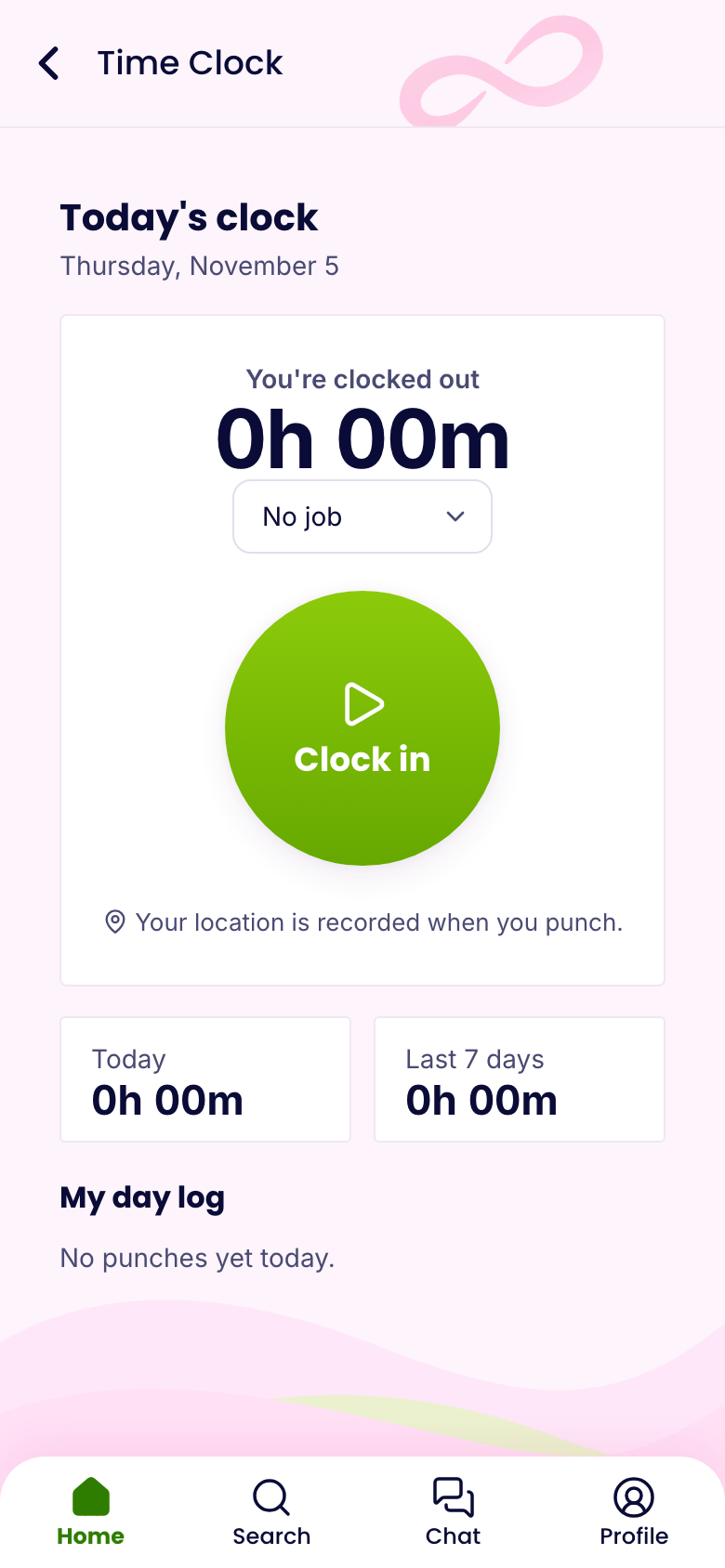
The phone notices when someone arrives at the store and clocks them in — and out when they leave. No buddy punching, no forgotten punches, no paper.
- Store geofences you draw on a map
- Only around scheduled shifts, if you like
- Per-person rules: anywhere, only at their store, or kiosk only
- Punches saved without signal and sent later
- “You’re late” and “Forgot to clock out?” reminders
Build next week in minutes.
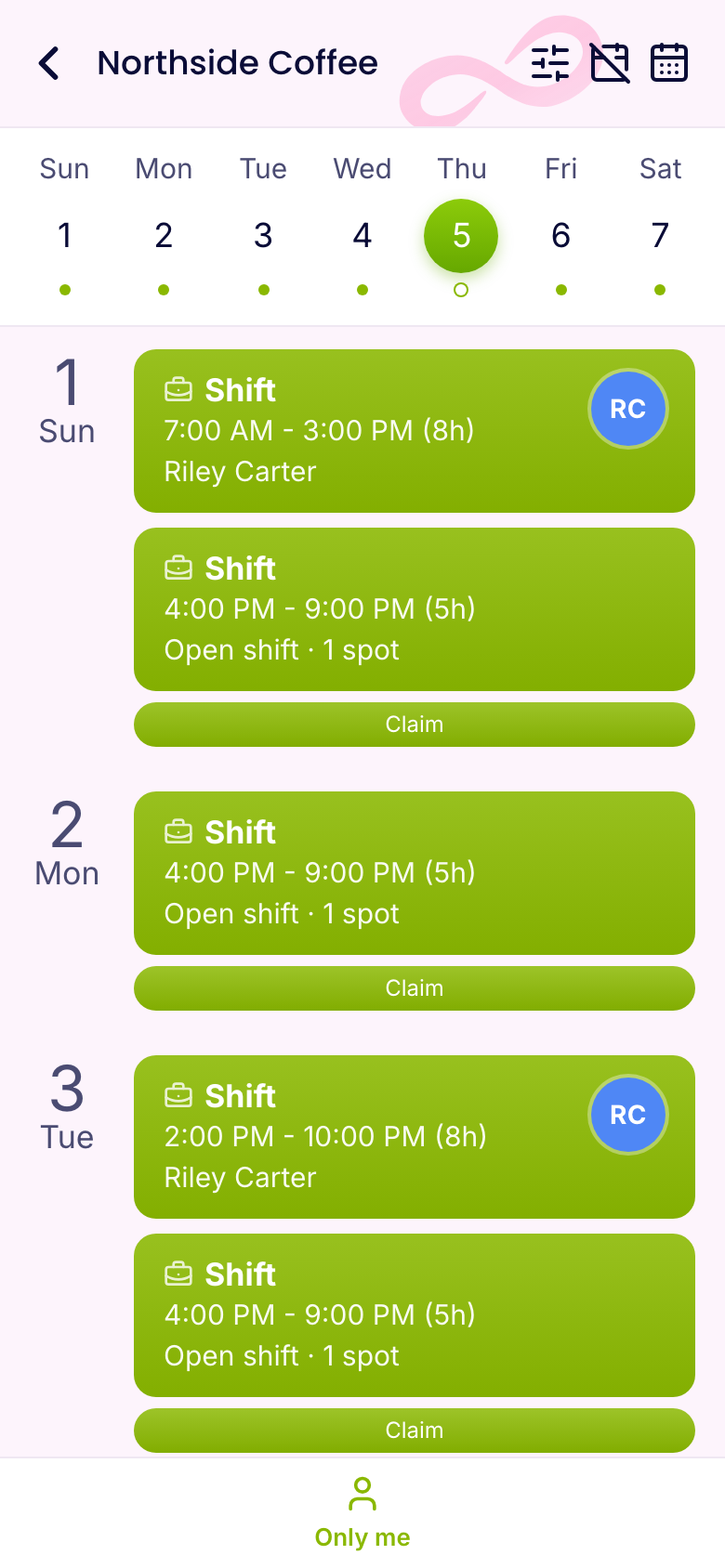
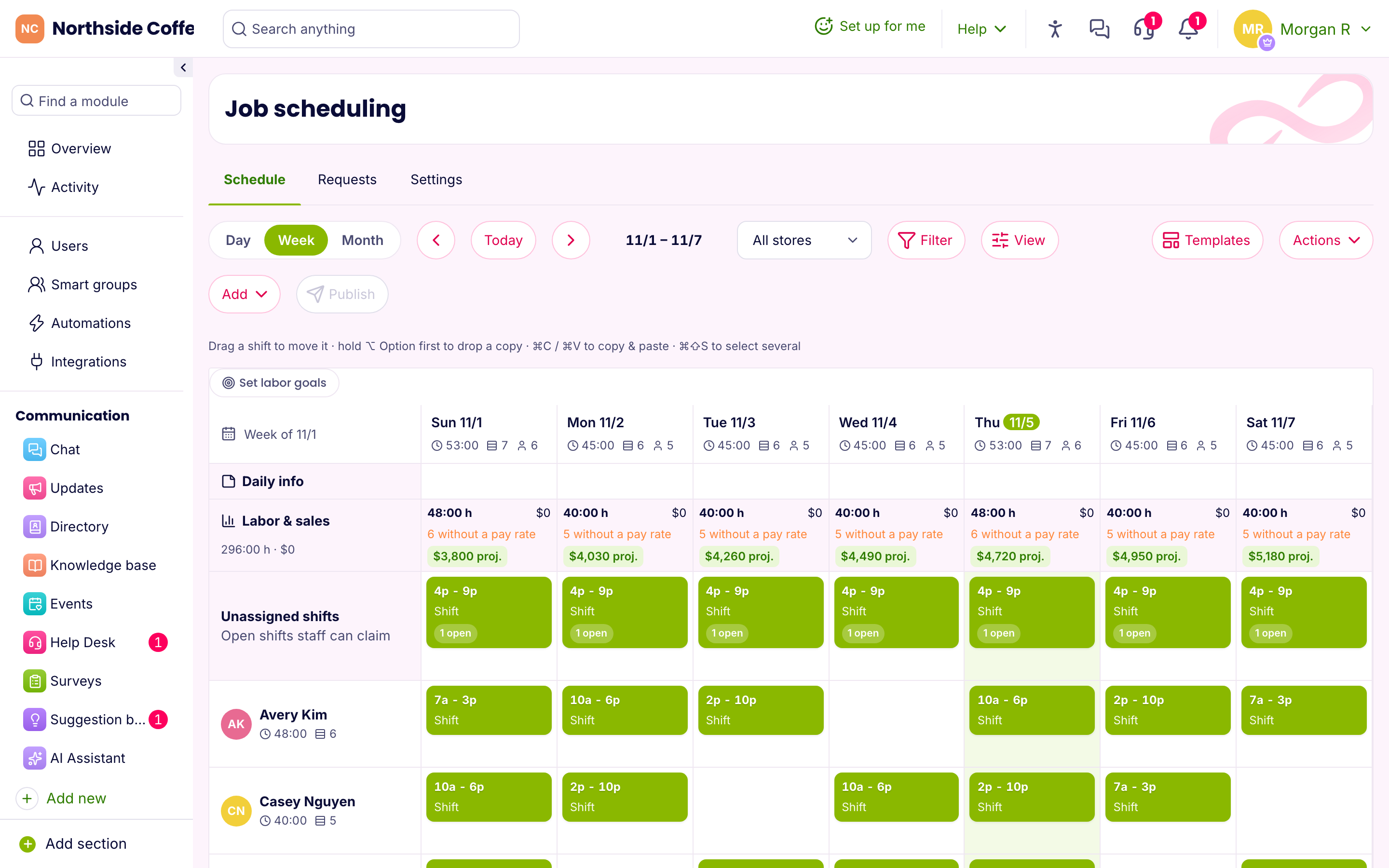
Drag shifts, copy last week, post open shifts people claim themselves, or let auto assign fill the gaps fairly. Publish, and everyone gets their shifts on their phone.
- Labor cost and sales side by side, with a forecast
- Overtime warnings before they cost you
- Swaps and time off that respect the schedule
- Labor-law checks for breaks, rest and minors
Everyone on the same page — finally.
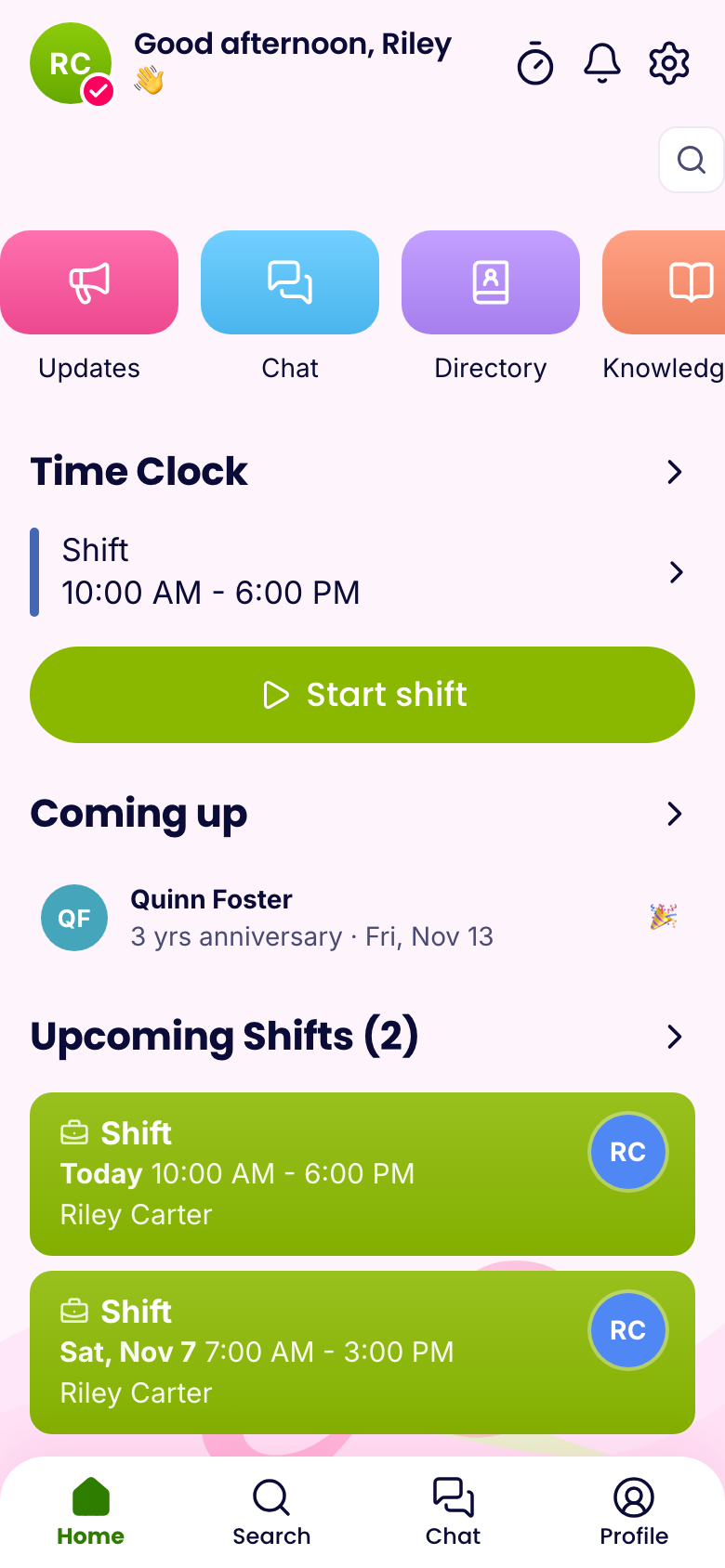
Replace the group texts. Chat, company updates people actually read, a directory and a knowledge base your team can search — with an AI assistant that answers from it.
- Group chats, voice messages, calls and polls
- Important updates with read receipts
- Your handbook and procedures in their pocket
Everything a shift team needs. Nothing it doesn’t.
Turn on the tools you use; your team only sees those. Start with the basics and add more when you’re ready.
Scheduling
Shifts, open shifts, swaps, availability and templates.
Time clock
Phone, kiosk or automatic, with breaks and GPS.
Chat & updates
Messages, announcements, polls and calls.
Training
Courses, quizzes and onboarding packs.
HR
Time off, documents with e-sign, hiring and org chart.
Payroll
Approved hours to Gusto, or a file for any payroll.
Checklists
Opening, closing and inspection forms on the phone.
Compliance
Break, rest, overtime and minor rules by state.
Automations & AI
Routine messages on autopilot; answers on demand.
Simple pricing that grows with you.
One price per company, not per head. Free for small teams.
Free
For small teams getting started
Up to 10 people · Up to 1 location
- Team chat
- Company updates
- Directory
- Job scheduling
- Time clock
- Time off
- Quick tasks
- and 3 more
Starter
Run one or two locations without paper
30 people included, then $1.50/person · Up to 3 locations
- Everything in Free, plus:
- Store kiosk time clock
- Payroll sync (Gusto) and exports
- Timesheets & payroll
- Forms & checklists
- Documents & e-sign
- Surveys
- Suggestion box
- and 4 more
Pro
Automate HR, training and hiring
100 people included, then $1/person · Up to 10 locations
- Everything in Starter, plus:
- Automatic clock in & out by location
- Custom roles and permissions
- Public API and API keys
- Training courses
- Quizzes
- Onboarding
- Hiring
- and 5 more
Business
Every feature, no limits
Unlimited people · Unlimited locations
- Everything in Pro, plus:
- Priority support
- AI assistant
Questions
Is it really free?
Yes. Teams of up to 10 people use the Free plan with no time limit and no credit card. Every new company also gets Pro free for 14 days.
How does automatic clock-in work?
You set each store’s location and radius on a map. With the iPhone app, the phone tells us when someone arrives or leaves — using the phone’s built-in store alerts, not constant tracking — and we clock them in or out. You decide who may use it, and whether only around their scheduled shifts.
Does it work without signal?
Yes. A clock-in or out made without signal is saved on the phone with its real time and sent as soon as the connection is back, flagged for managers to see.
Can we move from another app?
Import your team from a spreadsheet — exports from Connecteam, Homebase, When I Work, 7shifts or Gusto work as they are.
Does it work with our payroll?
Approved hours go straight to Gusto, and there are ready-made files for ADP, QuickBooks, Paychex and Square.
What phones does it run on?
iPhone and Android apps, plus the web on any computer. Store tablets can be turned into a clock-in kiosk.
Is our data safe?
Each company has its own separate database. Sign-in is protected against guessing, every change to a timesheet is logged, and you can export or delete your data at any time.
Bring your team onto one app.
Free for up to 10 people, with every Pro feature for your first 14 days. Tell us about your team and we’ll set you up — usually the same day.