
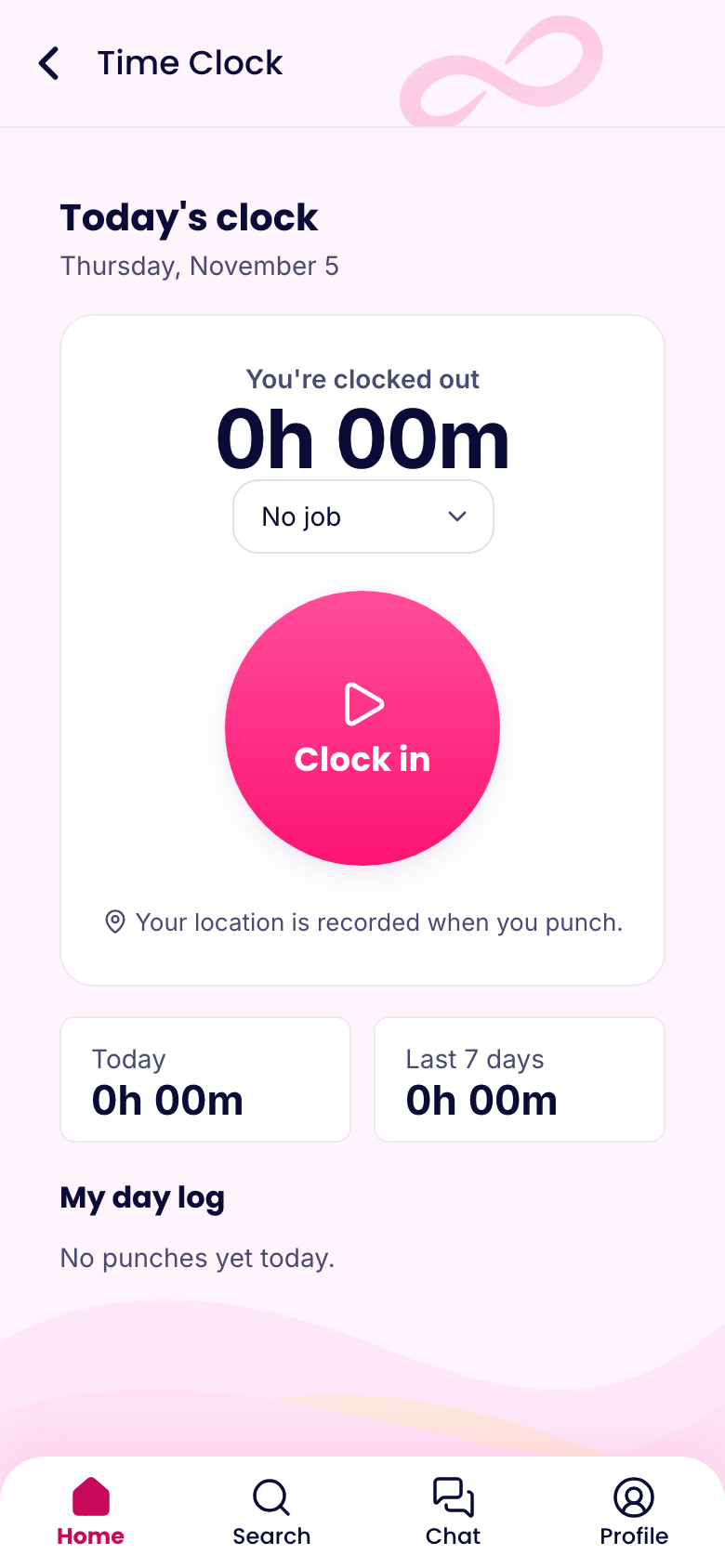
What it does
You draw a circle around each store. When someone's iPhone crosses that line, it tells our servers. We check that they're inside the store's area and clock them in. When they leave, we clock them out.
Forgotten punches mostly go away, and so do the texts asking you to fix them. It also makes clocking in for a friend a lot harder, because the phone has to actually be there.
What it doesn't do
It doesn't track people all day. The feature uses the iPhone's built-in store alerts, which only fire when the phone crosses the boundary. We don't get a trail of where someone went on lunch or after work. It's also easy on the battery, because nothing is running constantly in the background.
Each employee turns it on for themselves, and they have to allow location "Always" on their phone. Nobody gets switched on without knowing. If you're rolling this out, this guide covers what to tell your staff.
Handling real life
A few rules keep it from getting in the way:
- Short trips out. If someone runs to their car or the bank and comes back within 10 minutes, the same punch continues.
- Only around shifts, if you want. You can limit it to the time around a scheduled shift, so a stop at the store on a day off doesn't start the clock.
- Choose arrive, leave or both. Some teams want automatic clock-in but a manual clock-out, or the other way around.
- Choose who may use it. Turn it on for the people it suits.
Everything still goes on the timesheet, where you review and approve it the same way you would any other punch.
Setting it up
- Go to Settings, then Locations. Find your store's address or click the map, then set the radius.
- Under Time Clock, then Settings, turn on Automatic clock in and out. Choose arrive, leave or both, whether it only applies around shifts, and who may use it.
- Each employee opens the app, goes to Time clock, turns on Automatic clock in and out, and allows location "Always".
Start with one store and a couple of people for a week. Pick the radius carefully: too small and phones in the back of the building may miss it, too large and someone in the parking lot gets clocked in early.
What it costs
Automatic clock-in comes with the Advanced plan and up on the Operations hub. That's $24.50 a month billed yearly for your first 30 people, then $1.25 for each extra person. New companies get every Advanced feature free for 14 days, so you can try it on a real week first.
If you're not ready for it, the regular GPS time clock is on every plan, including Free.