
Why not just keep the group text?
Group texts work right up until they don't. A new hire isn't on the thread. Someone who quit still is. A phone number has to be handed out to the whole team, and at 11 p.m. everyone's phone buzzes about a Saturday shift.
In PinkLinq, people can message each other by name without sharing a phone number. When someone leaves and you archive them, they're out of every conversation.
What's in it
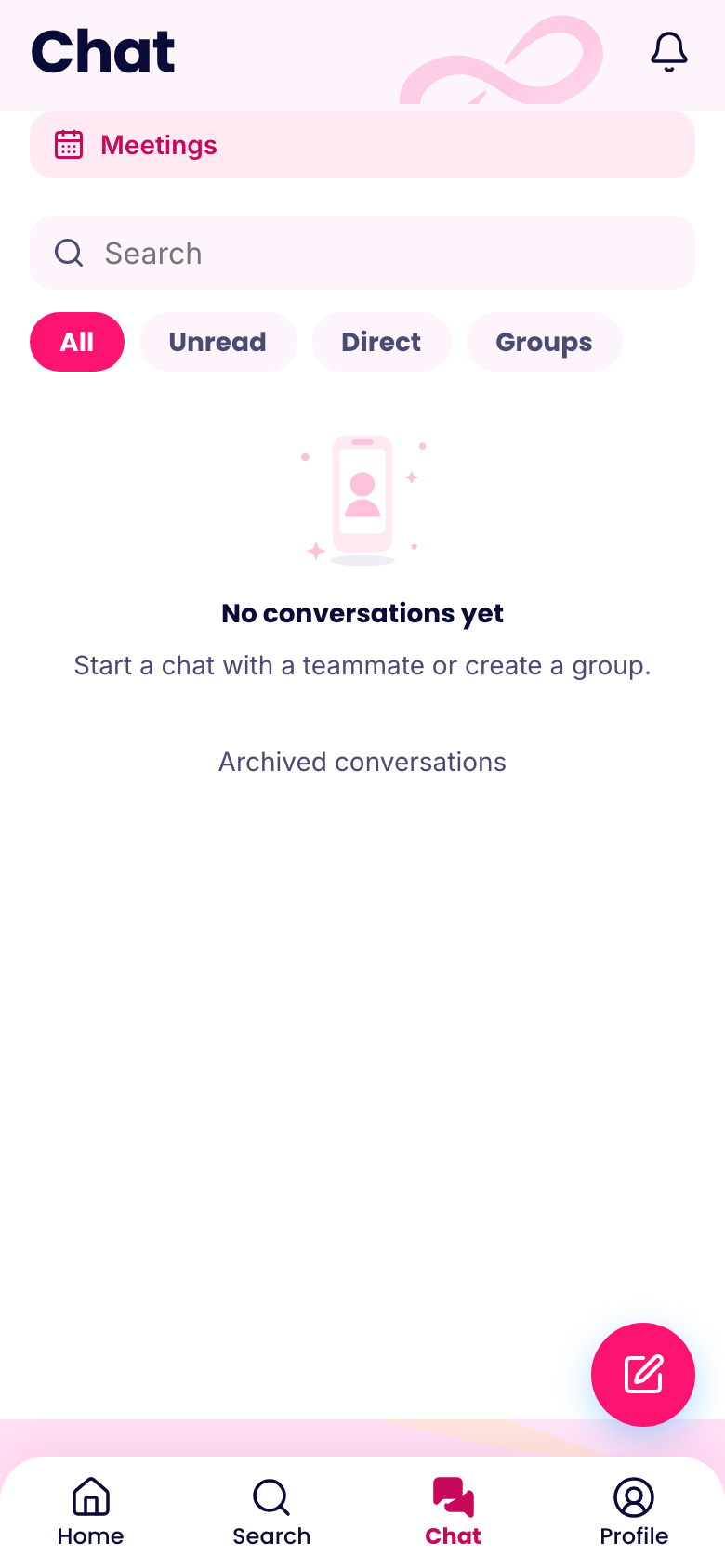
Private and group chats. Message one person or start a group for a store, a department or a project. Share photos and files, react with an emoji, and pin up to five important messages to the top of a chat.
Channels. A channel lets only its admins post. It's good for "Store 2 announcements" when you don't want 40 replies under every message.
Voice messages. Many shift workers would rather talk than type, especially with their hands full. Record it and send it.
Polls. "Who can stay late Friday?" gets you a count instead of a long thread.
Meetings. Schedule a meeting from a chat. People answer yes, maybe or no, and they can add it to their calendar.
Voice and video calls. Call a colleague or a small group from inside the app.
Keeping it under control
You choose whether staff can start their own groups and whether admins can remove other people's messages. Anyone can report a message or block someone, and reports go to the people who manage chat.
When your team is off the clock, they aren't stuck with buzzing phones either. Each person can pick which push notifications they want, and you can hide message previews on lock screens company-wide under Settings, then Security.
It works with everything else
The chat sits next to the schedule and time clock, so people only need one app and one sign-in. Search covers people and more from the top of the screen. And when something has to reach everyone and you need to know they saw it, use company updates instead. Updates have read receipts, so you're not left guessing.
Getting your team to switch
The hard part of moving away from a group text is that everybody has to move at once. Pick a date. Post the app link in the old thread, explain why, and give it a week. Then stop answering work questions in the old thread, and reply in the app. People will follow within days. We've written a longer guide to making that switch.
What it costs
Chat is in the Communications hub on every plan. It's free for up to 10 people. After that, Basic costs $14.50 a month billed yearly for your first 30 people, plus $0.25 for each person after that. If your team only needs a way to talk, you can buy this hub by itself.