
The bulletin board moved
A notice taped by the time clock only reaches the people who look at it. An email doesn't reach staff who never check one. So hourly teams end up with something like this: the manager repeats it at every shift change and still has to deal with "nobody told me."
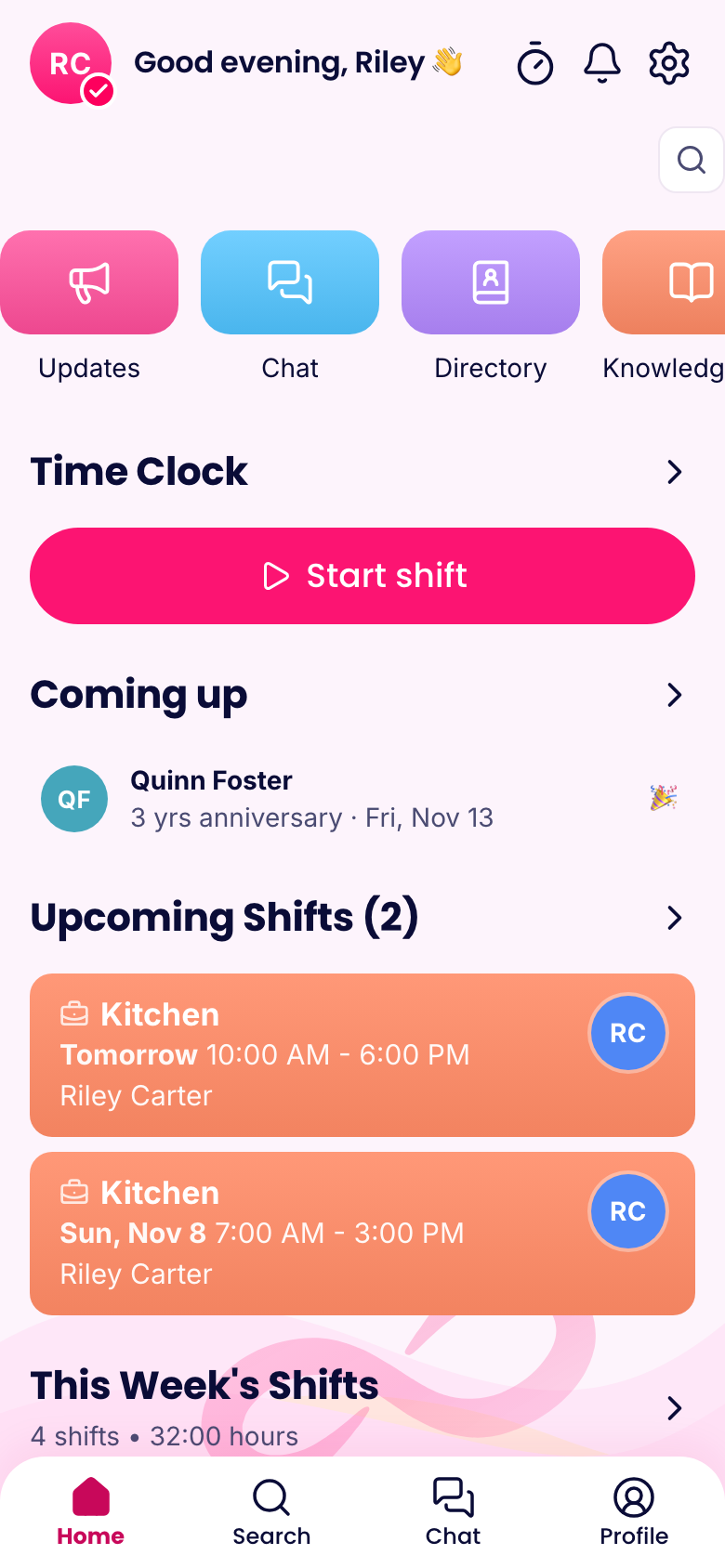
Updates are a feed in the app, right on the home screen. Post the new dress code, the holiday hours or a shout-out, with photos or attachments if you need them. People can react and comment, so it feels less like a memo.
Know who saw it
This is what makes updates worth using. For each post, you can see who it went to and who's seen it. For the ones that matter, mark the post important. People get a pop-up until they confirm they've read it, and you can send a reminder to anyone who hasn't.
That's handy when a new policy really has to reach everyone, or a safety notice has to be acknowledged. You don't have to chase people blindly, and you've got a record of who confirmed and when.
Reach the right people
Choose who gets each post:
- Everyone in the company
- A smart group, like "Weekend staff" or "Store 3"
- A list of people you pick
A notice about the walk-in freezer doesn't need to go to the front desk at another location. Sending less also means people keep reading what you do send.
Schedule it and move on
Write the post on Sunday night and have it go out at 7 a.m. Monday. Save a draft if you want someone else to look it over. Archive old posts so the feed stays useful.
When you need extra attention, you can also send a notification with the post. It can open a specific part of the app when tapped, so "New schedule's up" takes people straight to the schedule. The sending screen shows how many people in the audience are signed in on the phone app and have notifications turned on, so you know how far it'll go.
What to post (and what not to)
Good updates are things everyone needs and won't ask about twice:
- Policy changes and new procedures
- Holiday hours and schedule notes
- New hires and work anniversaries
- Wins, like a great review or a store record
Things that can wait for a shift meeting, or that only concern two people, belong in chat. If every post is marked important, soon none of them are.
A simple routine
Pick one day a week for a short update from the owner or manager. Include what happened, what's coming and one person to thank. It takes five minutes, and over time it's one of the cheapest ways to make people feel part of something.
What it costs
Updates are in the Communications hub on every plan, free for up to 10 people. Past that, Basic costs $14.50 a month billed yearly for your first 30 people, and $0.25 for each person after that.