
The short version
Deputy is an established workforce app with a strong reputation among larger shift businesses. We make PinkLinq, which is newer and much cheaper for most teams under 100 people.
It prices per user and sells HR, payroll and extra messaging as add-ons. We price per hub, include the first 30 people, and keep HR and training inside the hubs. If you need biometric clock-in or a payroll run built into the same product, Deputy has both and we don't.
Deputy's prices
These are from Deputy's pricing page on November 6, 2026, in US dollars before tax:
| Deputy plan | Per user, per month |
|---|---|
| Lite | $5.00 |
| Core | $6.50 |
| Pro | $9.00 |
The page says annual billing saves 10% but doesn't label which price is which. Monthly plans have a minimum spend of $30 per invoice. Every user counts, including administrators and supervisors.
Add-ons it listed:
- Payroll: $8 per user per month plus a $49 base fee (US, on annual Core and Pro)
- HR, including hiring and paperless onboarding: $2 per user per month
- Messaging+: $1.95 per user per month (included in Pro)
- Analytics+: $1.50 per user per month (included in Pro)
- Text messages: 1 cent per 160 characters in the US
The same team on both
This assumes schedules, a time clock and team messaging. We've used Deputy's Core plan and PinkLinq's Basic on Operations and Communications, billed yearly.
| Team size | Deputy Core | PinkLinq |
|---|---|---|
| 8 people | $52.00 | Free |
| 25 people | $162.50 | $29.00 |
| 45 people | $292.50 | $38.75 |
| 100 people | $650.00 | $74.50 |
Add hiring and onboarding at 25 people, and Deputy's HR add-on brings another $50 a month. On our side, you'd add HR & Skills on Basic for $14.50.
Where Deputy is the better pick
Biometric clock-in. Deputy's Core plan lists a kiosk that uses face unlock. Our kiosk uses a PIN on a shared tablet. If buddy punching on a kiosk is your main worry, face matching is a stronger answer, though you should check your state's biometric privacy rules before you turn on anything like it.
Payroll in one product. Deputy can run payroll for you as an add-on. We don't run payroll. You get a ready file for Gusto, ADP, QuickBooks, Paychex or Square, and you pay people from there.
Scale and experience. It's a long-running product, used by large multi-site companies, and it runs on both major phone platforms. We're new and don't have an Android release yet. If you have hundreds of staff across many sites, you'd want that history.
Analytics. If deep labor reports are your priority, look at its Analytics+ add-on next to our dashboards. Ours cover the day-to-day well, but they're simpler.
Where PinkLinq is the better pick
Your monthly bill. The table says most of it. Per-user pricing adds up fast when most of your staff work part time and you're paying the same for someone on eight hours a week as for someone on forty.
Fewer add-ons to track. Training courses, quizzes, documents with e-signatures, onboarding, hiring, checklists and boards come with the hubs. Deputy's pricing page didn't state a training tool at all.
Automatic clock-in by location. On Advanced and up, the iPhone app can clock people in when they reach the store and out when they leave, using the phone's built-in location alerts.
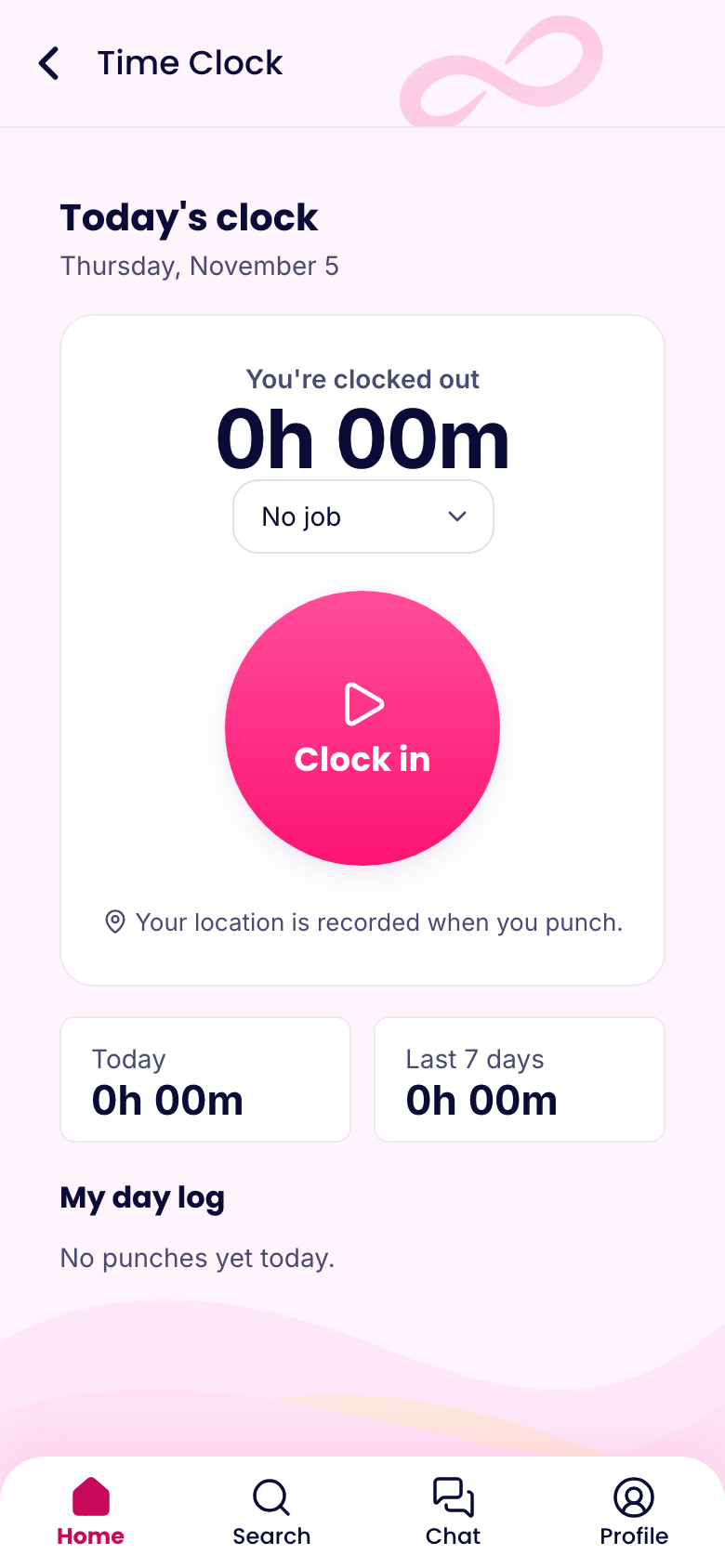
Offline punches. No signal in the stockroom? A punch made without a connection is saved with its real time and sent later, flagged so managers can review it.
Switching without a gap
Export your employees from Deputy as a CSV and upload them under Users in PinkLinq. Set up your locations and draw their circles on the map. Copy a typical week into a template. Then run both apps side by side for one pay period and compare the hours before you cancel anything.
Sources
- Deputy pricing, read November 6, 2026.
- PinkLinq pricing, always current.
Deputy's page didn't say which plans include basic geofencing, so check that if it matters to you. If anything here has changed, send us a note below.