
The second location breaks everything
One store can run on a good manager and a group text. The second store shows up all the gaps. Procedures that lived in your head now have to be written down. Someone's covering a shift across town and nobody knows who approved it. You've got two of everything, and you can only be in one place.
Pay for what you use, not per address
Many workforce apps charge per location. That means your bill jumps each time you open a store, sometimes before that store has made a dollar. PinkLinq charges per hub. You choose a plan, and it covers a set number of locations:
| Plan | Locations included | Per hub, billed yearly |
|---|---|---|
| Basic | 3 | $14.50 |
| Advanced | 10 | $24.50 |
| Expert | Unlimited | $49.50 |
The first 30 people are included, and each extra person adds a small monthly fee. A group of 60 across three stores pays $48.50 a month for schedules, the clock and chat on Basic. Above 10 locations you need Expert, or talk to us about Enterprise.
Managers who see their own store
Managers see and manage their own teams, and owners see everything. Custom roles, on Advanced and up, let you create something like "Shift lead" with exactly the access you choose. A store manager can approve their own team's timesheets and leave the rest to the other managers.
People who work in two places
Someone works Monday at the downtown store and Friday at the mall. Clock-in rules handle that: they can clock in at their stores and nowhere else. You'll see their hours together, which matters because overtime adds up across locations under federal rules when it's the same employer. The schedule shows them across both, so you're less likely to double-book them or push them past 40 by accident.
One way of doing things
This is where most of the value is once you've got several sites.
Shared checklists. Every store uses the same opening and closing list, and you can read any of them from anywhere.
A shared knowledge base. Your procedures live in one place. Fix a step once, and every location has it. You can limit an article to one store when it's only about that store.
Shared training. Every new hire in every store gets the same courses. That keeps your standards from drifting as you grow.
Targeted updates. Tell every store about the new promotion, or tell only the one with the broken freezer. Smart groups keep those audiences current as people join and leave.
Seeing all your stores at once
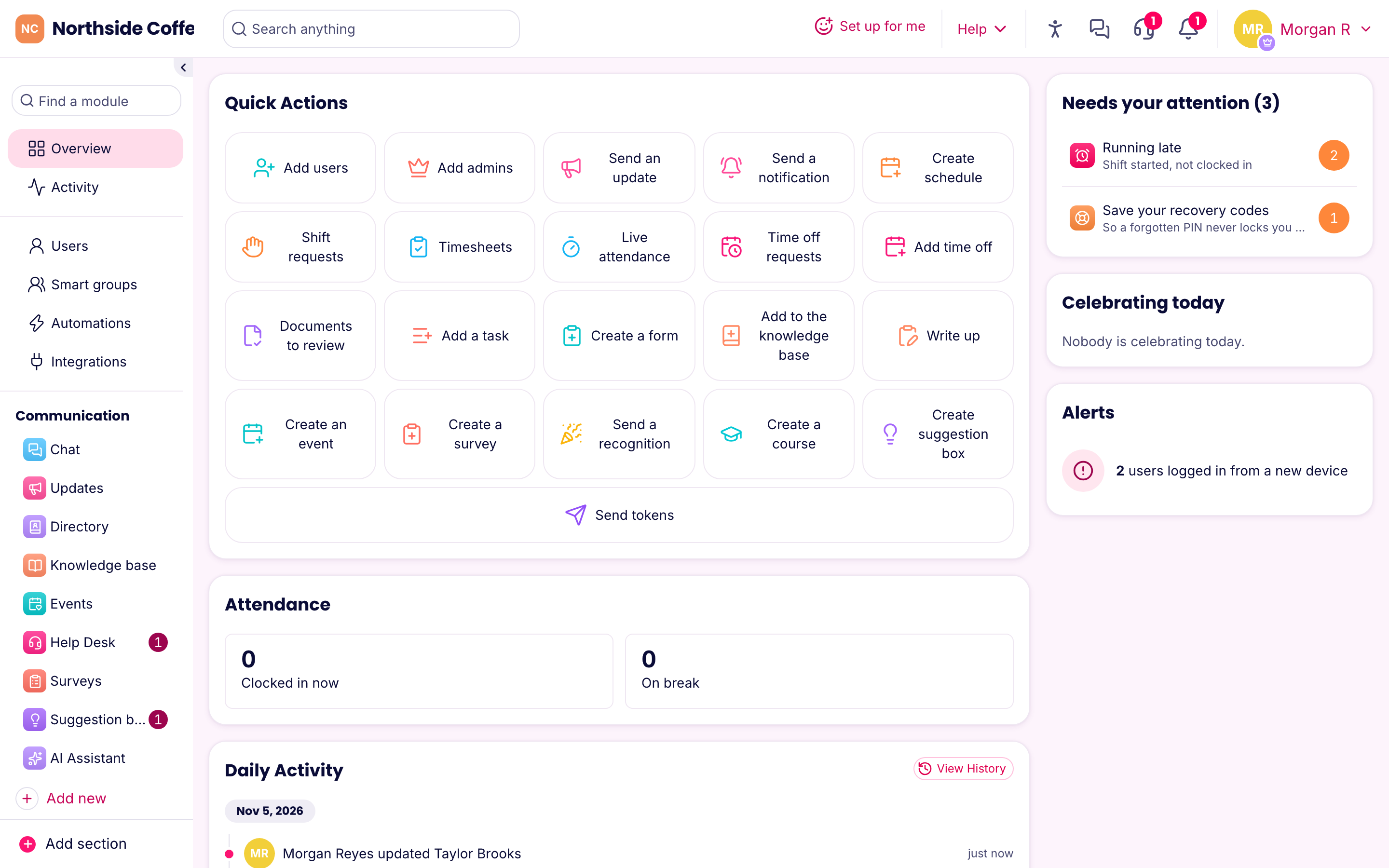
The Overview shows what needs your attention: who's running late, who's near overtime and what's waiting for approval. Compare labor cost against sales for each location on the schedule, to find the store that's overstaffed on Tuesdays. Boards track shared projects, such as a new store opening, with an owner and a due date on each step.
Different rules for different places
If your stores are in different cities or states, the laws differ too. A location can have its own time zone, its own circle on the map and its own kiosk. Labor-law presets cover California, New York, New York City, DC, Washington State, Oregon and Illinois, and you can set custom values. Check that your settings fit each place you operate, because a preset applies across the company.
Franchises
A franchisee usually runs a separate legal business. Each one would normally have its own PinkLinq company, with its own data and its own bill. That keeps employees' records separate, which is often what your lawyer wants. If you're a franchisor who wants to share training and procedures across the system, tell us about your setup and we'll work out the right approach. Enterprise terms are by arrangement.
Getting a group moved over
Don't move everyone at once. Start with your best store and a manager who likes trying things. Run it for a full pay period. Fix what's odd, write down what you learned and then bring in the next store. You'll also have a manager who can help the others.